
Who Still Has the Keys?
Every small business and nonprofit has an identity problem. Most just haven’t found it yet.
I manage access to a multilingual nonprofit web platform for a living — dozens of accounts, contractors rotating in and out, staging environments, AWS infrastructure, a redesign vendor with its own set of credentials. I've also spent the last few months deep in identity governance coursework, the kind that makes you look at every login screen differently. So when I say most small orgs have no real idea who can get into what, I'm not guessing. I've done the audits.
Here's the thing nobody tells you when you're small: identity and access management, IAM for short, sounds like an enterprise problem. Something for banks and hospitals with dedicated security teams. It isn't. It's a five-person nonprofit problem the moment your part-time bookkeeper from two years ago still has QuickBooks access, or your former volunteer coordinator can still log into the donor database, or three people share one WordPress admin login because setting up individual accounts felt like a hassle nobody had time for.
Access doesn't clean itself up
Every account you create is a decision that quietly expires. Someone gets hired, gets a login, does the job, and eventually leaves — but the login usually doesn't leave with them. Multiply that by every tool your org uses: email, website, donor CRM, socials, shared drives, payment processor. Each one accumulates its own guest list, and almost nobody goes back to prune it.
The numbers on this are worse than most people expect. A 2023 Beyond Identity survey found that nearly 9 in 10 former employees could still get into at least one application from a previous employer. Separately, OneLogin's research on de-provisioning practices found that roughly a third of organizations take over a week to fully cut off a departing employee's access — and that's assuming someone remembers to start the clock at all. This isn't a story about careless organizations. It's just what happens when nobody owns the cleanup step.
This is exactly what identity governance work is: not "who has a password," but who should still have one, for what, and why. It's less exciting than firewalls and threat detection, which is probably why it gets skipped. But when something does go wrong — a departed employee logs a grudge, a compromised shared login has nobody to trace back to — it's almost always an access problem, not a hacking problem.
Five things worth checking this month
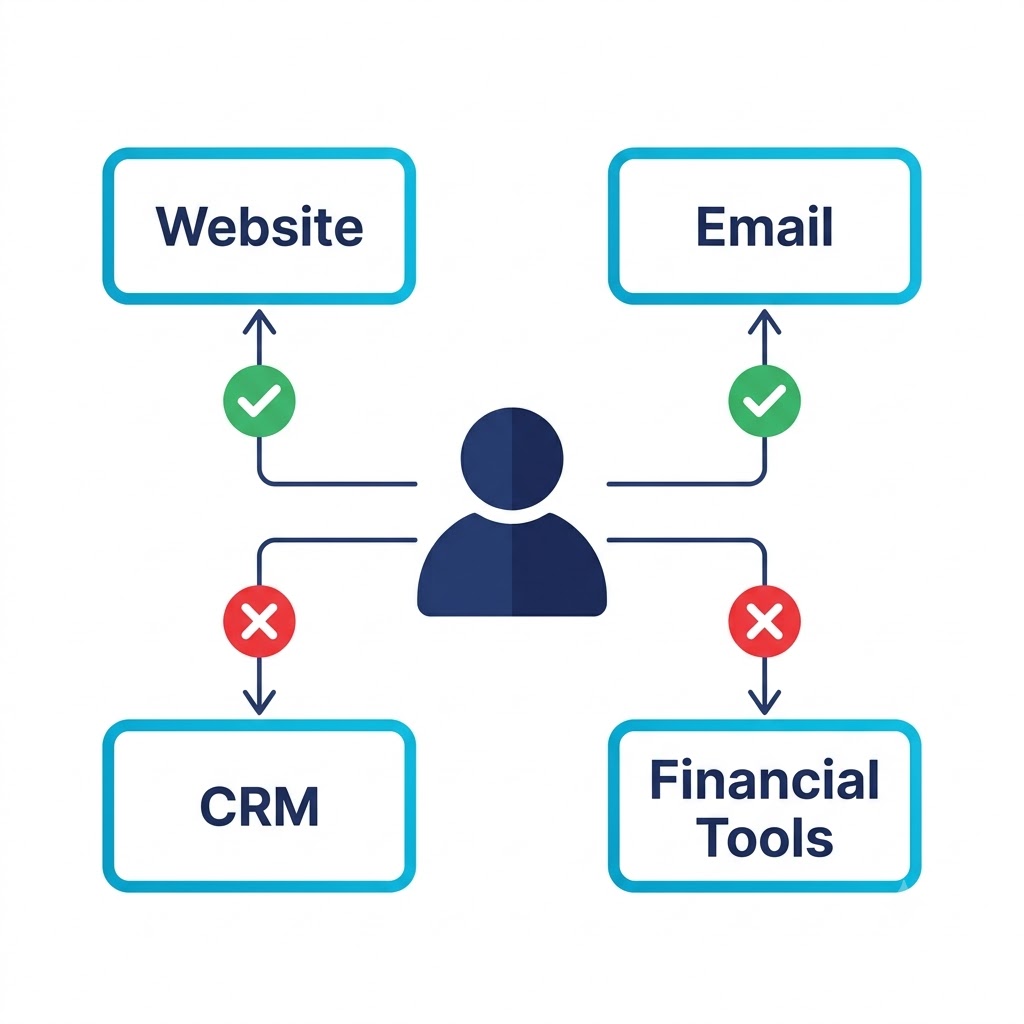
1. Pull the actual admin list. Not who you think has admin access — the real list, from the actual settings panel, for every major system. Website, email, CRM, financial tools, socials. Most people are surprised by what they find. It's usually longer than expected, and it usually includes at least one name that shouldn't still be there.
2. Give access by role, not by convenience. If someone only needs to update event listings, they don't need full admin. If your treasurer only needs to run reports, they don't need to edit the chart of accounts. Narrower access isn't distrust — it's just fewer doors for something to go wrong through.
3. Build a five-minute offboarding habit. When someone leaves — staff, volunteer, contractor — their access should leave with them, same day if possible. This is the single most-skipped step in small-org security, and it's the cheapest one to fix. A short checklist taped inside a drawer beats a good memory.
4. Kill the shared logins. One shared password for "the Instagram account" or "the website" means zero accountability when something changes and nobody remembers who did it. Individual logins, even for volunteers, even if it takes an extra ten minutes to set up.
5. Write down who approved what. Even a one-line note — who requested access, who granted it, when — turns "wait, why does this person have this?" from a mystery into a two-minute answer. This is the part enterprise IAM tools automate. For you, a spreadsheet row does the same job.
This is the whole exercise in miniature: one person, a handful of systems, and an honest answer for each one about whether their access still makes sense.
This isn't about distrust
None of this is about assuming bad intent from your staff or volunteers. Almost every access problem I've ever untangled came from good people, honest mistakes, and nobody assigned to keep the guest list current. IAM done well is boring on purpose — quiet handoffs, clean offboarding, access that quietly matches the job. You only notice it when it's missing.
Small orgs don't need an enterprise identity platform. They need one afternoon, an honest account of who has access to what, and a habit of keeping it current. That's it. That's the whole discipline, scaled down to fit.
Not sure who has the keys to your site anymore? That's exactly the kind of audit Coastal Digital runs — a clean access review, no enterprise price tag.
Sources: Former-employee access figures are drawn from Beyond Identity's 2023 offboarding survey and the OneLogin study of 500 U.S. IT decision-makers, both cited in "Ex Employee Still Has Access to Company Data in 1 in 4 Cases," GoLeadingIT (2026), and "Cybersecurity Risks of Improper Offboarding After Layoffs," Beyond Identity (2025). All framing, recommendations, and commentary above are my own.